
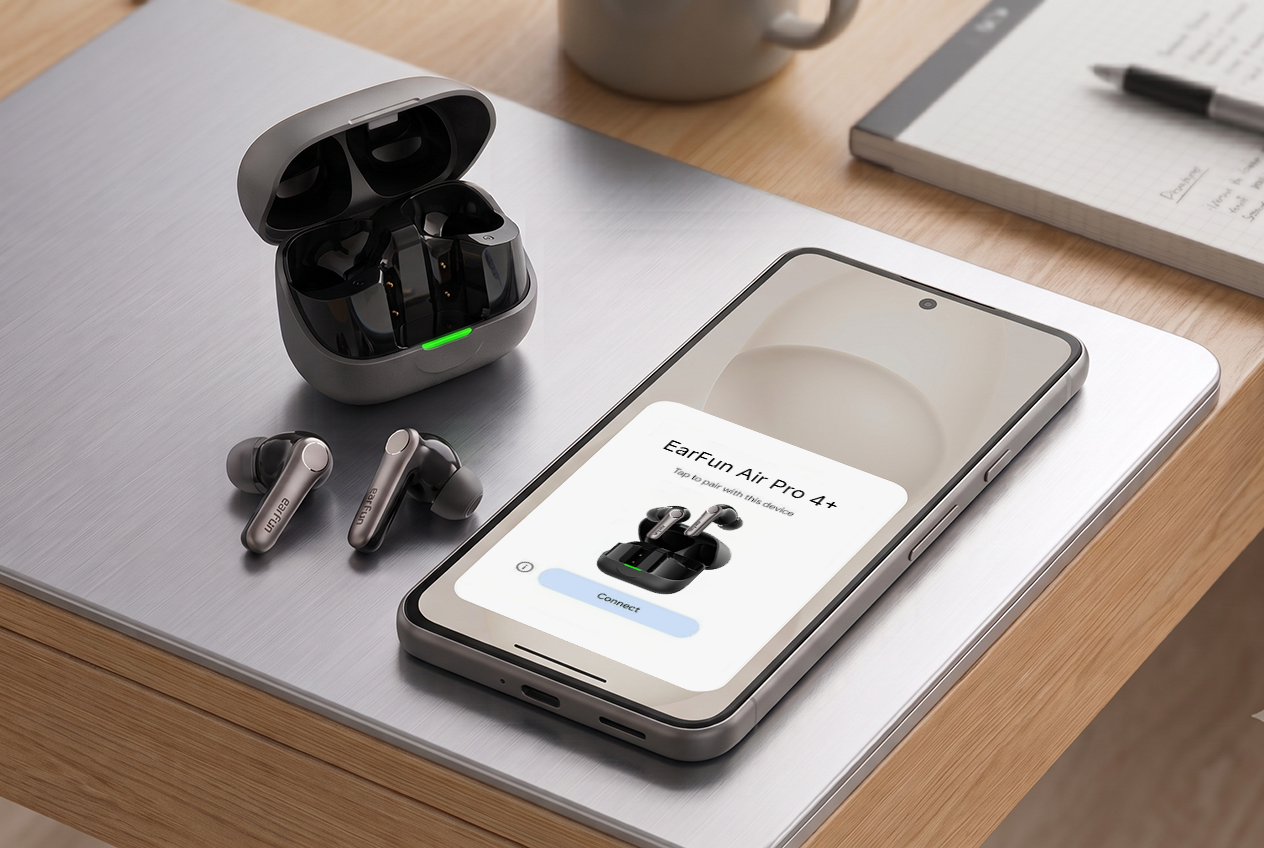
Here's a small but telling test of how "smart" your earbuds really are: pull them out of the case for the first time and see what happens next. Do you get stuck digging through Settings, scanning for a device with a name like "LE_earbuds_4821," typing in 0000, and hoping it sticks? Or does your phone just... know?
If you're on Android, that second experience has a name: Google Fast Pair. And it's the reason setting up a new pair of EarFun earbuds can take less time than it took you to read this paragraph.
What Fast Pair actually does
Fast Pair is a Google-built protocol that lets your Android phone recognize a supported Bluetooth device the instant it's nearby and broadcasting — no manual searching required. Open the case, and a slide-up card appears on your screen showing the earbuds, ready to connect with a single tap. No PIN. No hunting through a list of half-named strangers in your Bluetooth menu.
It's the same idea Google introduced back in 2017 to close the gap between Android and the one-tap pairing experience iPhone users had gotten used to. Today it's built into the Google Play Services layer on virtually every modern Android phone — Pixel, Samsung Galaxy, OnePlus, Motorola, you name it — so if your earbuds support the protocol, the feature just works out of the box.
Three things happen automatically once you're connected
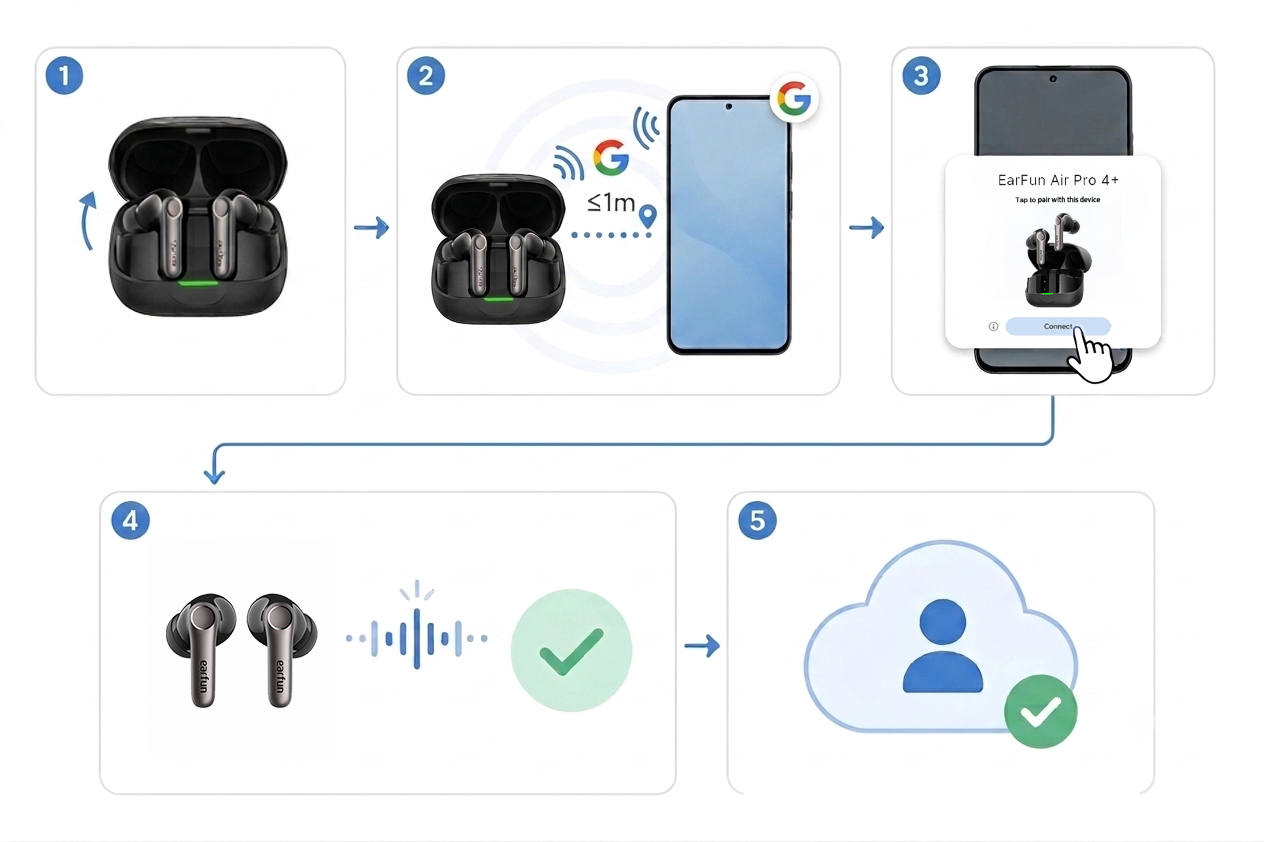
- The pairing card appears without you searching for it. Android detects the earbuds' Fast Pair signal and surfaces the prompt itself.
- Your earbuds' name and icon show up correctly everywhere — not a generic Bluetooth address, but the actual product name and a matching graphic in your notification shade and Bluetooth settings.
- Battery levels for both earbuds and the case appear on-screen, so you know exactly when to top up without opening an app.
On select EarFun models, Fast Pair also hooks into your Google account, meaning the pairing can carry over to a tablet or Chromebook signed into the same account — you're not stuck re-pairing every device you own.
Which EarFun earbuds have it
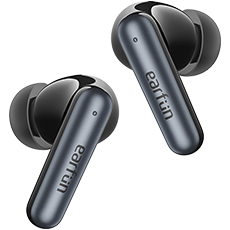
Fast Pair support has become a standard feature across EarFun's current lineup rather than a flagship-only perk. A few examples:
| Model | Fast Pair | Notable connectivity extras |
|---|---|---|
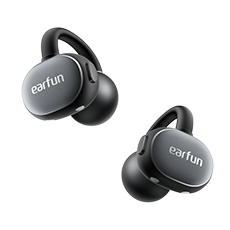
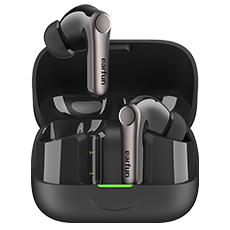
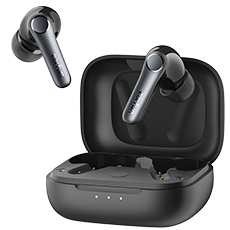
| Air Pro 4+ | Yes | Bluetooth 6.0, aptX Lossless, LDAC, Auracast, live AI translation |
| Air Pro 4 | Yes | Bluetooth 5.4, Snapdragon Sound, aptX Lossless, multipoint |
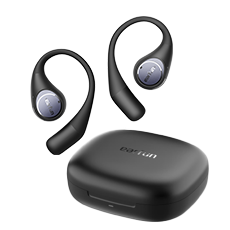
| Clip 2 (open-ear) | Yes | Bluetooth 6.0, LDAC, LE Audio, multipoint, AI translation |
Check your specific model's box or the EarFun Audio app's device page if you're unsure — but if it's a recent release, odds are good it's in there.
Why this matters more than it seems to
Traditional Bluetooth pairing wasn't built with true wireless earbuds in mind. It assumes you're patiently sitting in a settings menu, willing to decode a string of hex characters to figure out which device is actually yours. That's a rough first impression for a $60–100 pair of earbuds that are supposed to feel effortless.
Fast Pair strips that friction out entirely. It's the difference between "setting up a gadget" and "putting on headphones." And because it's a background protocol rather than an app you have to open, it works the same way every single time you switch phones, hand a pair to a friend, or reset the earbuds after a firmware update.
Getting the most out of it
A few practical notes if you want Fast Pair to behave itself:
- Keep Bluetooth and Location turned on. Fast Pair relies on Bluetooth Low Energy broadcasts, and some Android versions gate that scanning behind Location permissions.
- Update Google Play Services. Fast Pair ships as part of Play Services, not the Android OS itself — an outdated version can mean a missing or delayed prompt.
- First connection still needs proximity. The case has to be open and within a few feet of your phone for the initial handshake; after that, reconnections happen automatically whenever Bluetooth is on.
- Pop into the EarFun Audio app afterward. Fast Pair handles the connection, but the app is where you'll find EQ presets, ANC controls, touch remapping, and firmware updates — the two work together, not instead of each other.
The takeaway
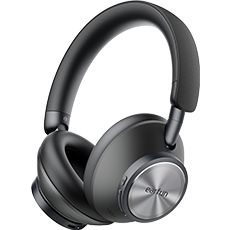
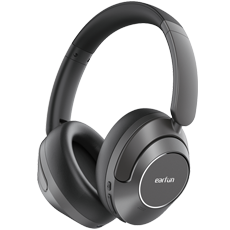
Fast Pair isn't flashy, and that's kind of the point — the best version of this feature is one you barely notice, because it just does its job before you've finished opening the case. If you're shopping for wireless earbuds on Android, it's worth treating "does it support Fast Pair" as a baseline requirement rather than a bonus. EarFun builds it into its current earbuds and headphones for exactly that reason: the setup shouldn't be the hardest part of using your gear.